Rated 4.9 out of 5 by our customers
AI-powered PCB design software
Design your PCB with AI and save time
Describe your device in a sentence or two. AI picks the parts, draws the schematic, does the PCB layout and routing, and checks the board, so your time goes on the idea, not the layout.
- Runs in your browser
- Parts in stock
- Gerbers ready to order


Your description, worked out into the device's blocks
Every design comes with
- Gerber files
- Drill file
- BOM
- Pick & place
- STEP 3D model
- KiCad project
How to design a PCB with AI
Three steps from an idea to files a board maker can build.


- Parts in stock
- Schematic from pin lists
- PCB layout
- Automated routing
- Design checks

- Gerber files
- Drill file
- BOM
- Pick & place
- STEP 3D model
- KiCad project
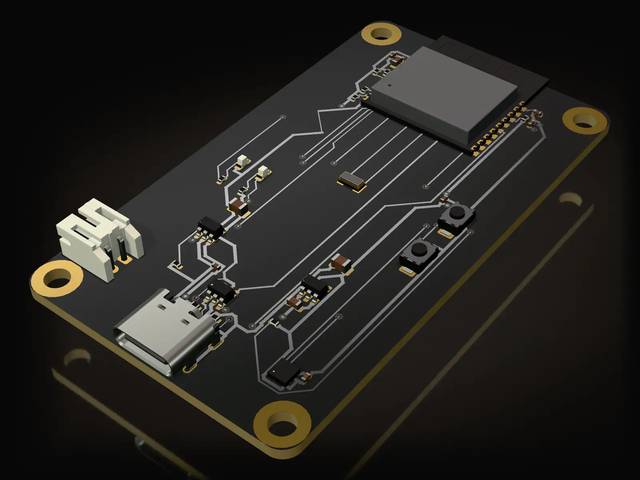
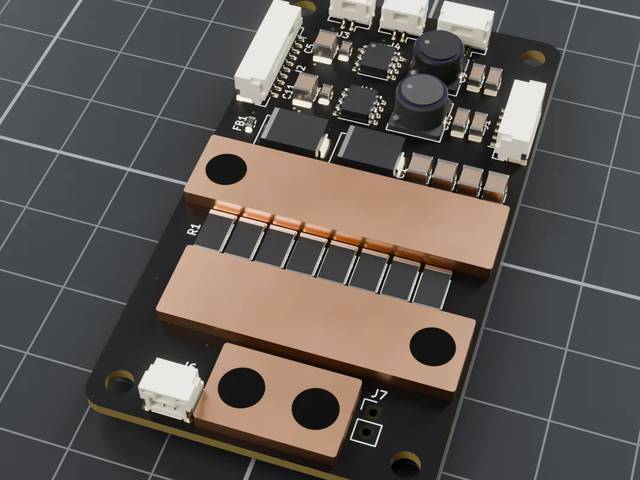
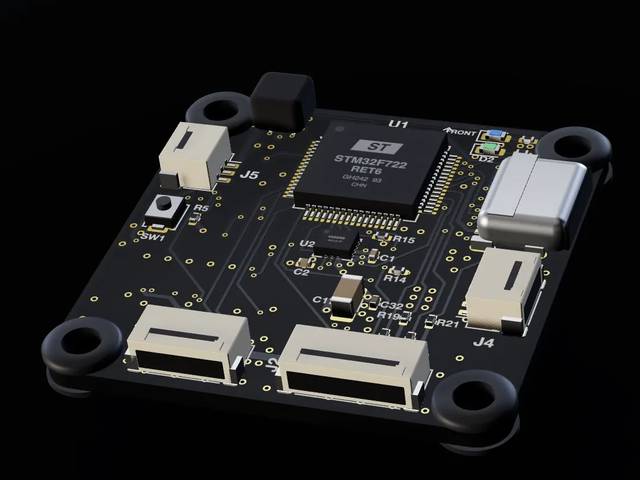
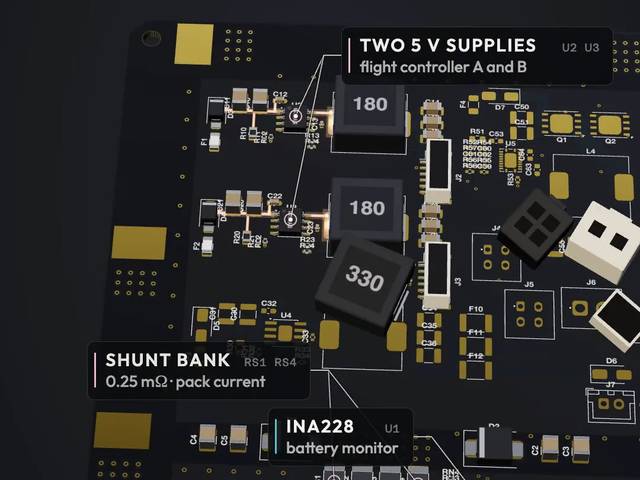
Boards designed in the studio
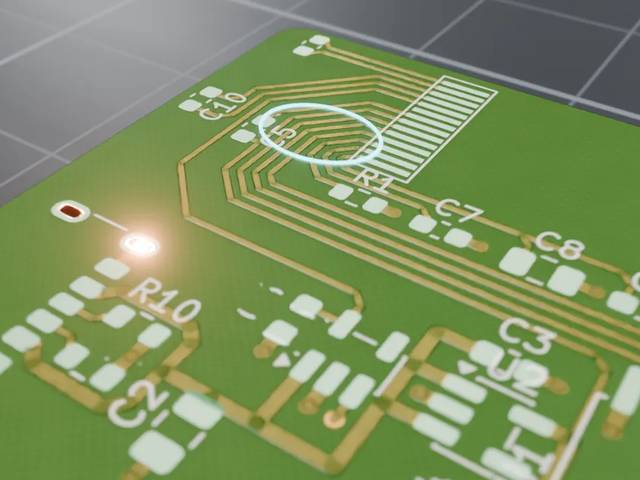
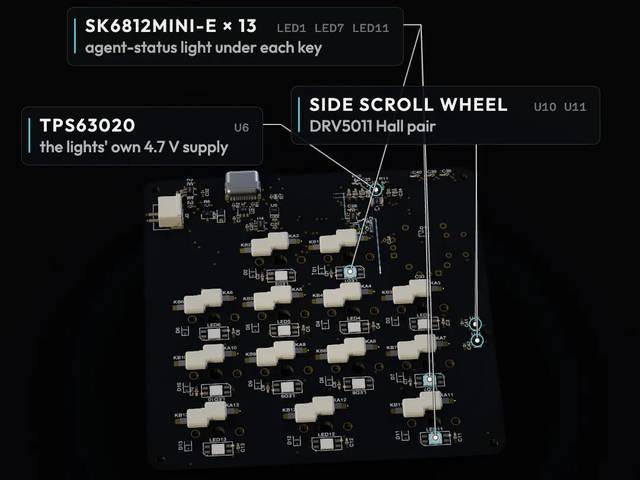
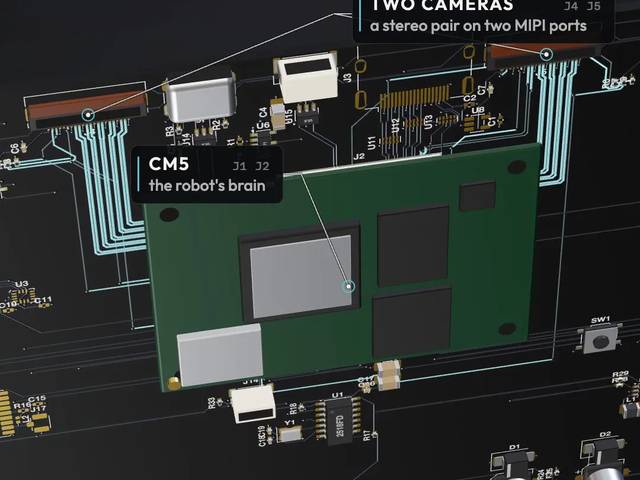
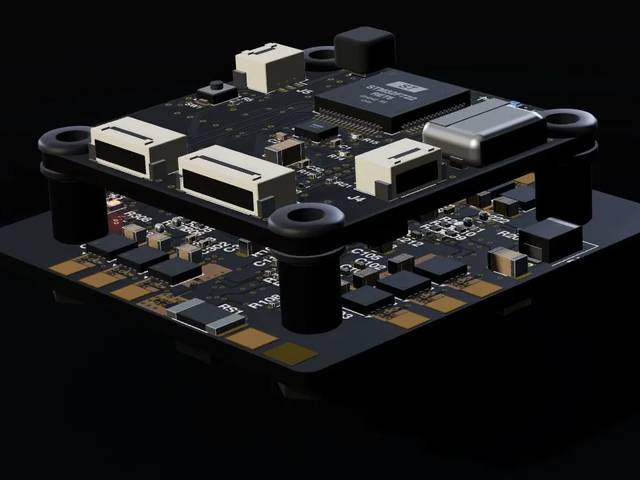
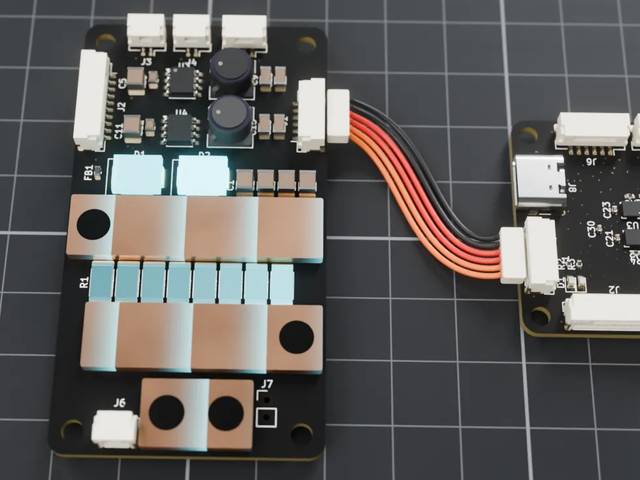
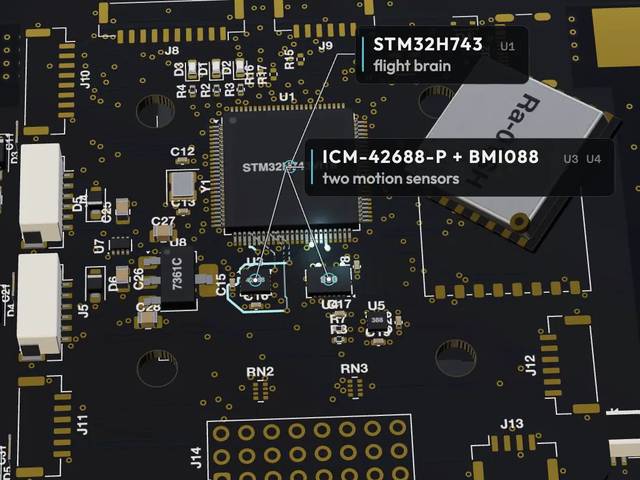
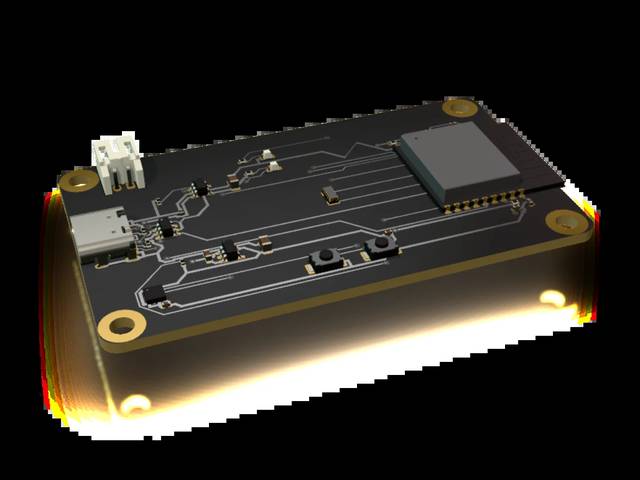
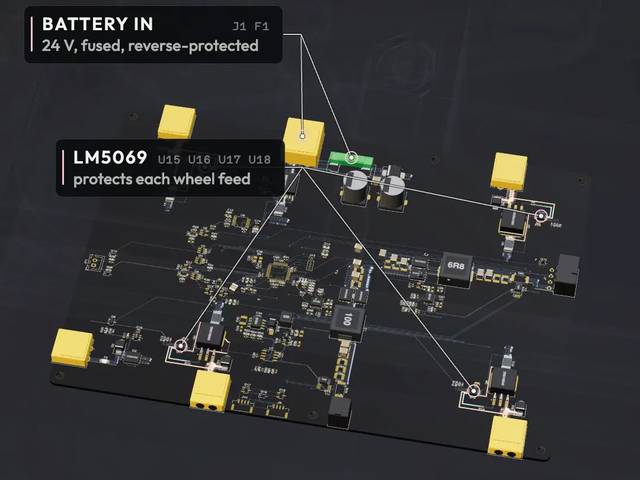
Sensor nodes, power boards, flight controllers and more, in 2D and 3D.
What will you design with AI?
Start with a sentence like one of these.
- Wi-Fi sensorA USB-C Wi-Fi sensor that reads temperature and humidity and runs from a Li-ion cell.
- MacropadA 12-key USB-C macropad with a rotary encoder and RGB lighting.
- LED controllerA Wi-Fi controller for a 5 V addressable LED strip, with a button to change modes.
- Soil monitorA battery-powered soil-moisture sensor that sends a reading over LoRa every hour.
- Robot controllerA controller for a small two-wheeled robot, with two DC motor drivers and Wi-Fi.
- Power boardA board that steps 12 V down to 5 V and 3.3 V, with reverse-polarity protection.
- Data loggerA USB-C data logger that records sensor readings to a microSD card.
- Bluetooth buttonA coin-cell Bluetooth button that sends a message to your phone when pressed.
Popular for:SensorsIoT devicesUSB-C devicesBattery-powered devicesLED controllersMotor driversRoboticsWearablesKeyboardsData loggers
Where AI PCB design saves you time
From schematic to PCB layout and routing, the steps are the same as always. AI does the slow ones, and you make the calls.
AI PCB design software pricing
Pay for the AI's work in tokens. Every design shows its estimate before it starts.
Starter
$20/month
For your first board designed with AI
- 15,000 tokens every month
- Routing, checks and every download free
- Top-ups whenever a month runs short
RECOMMENDED
Pro
$50/month
For designers working on boards every week
- Everything in Starter
- 50,000 tokens every month
Prices in USD, plus tax. Billed yearly, you get 2 months free. Cancel anytime.
Questions about AI PCB design
How does AI save time designing a PCB?
It does the slow steps for you: choosing the parts, drawing the schematic from each chip's pin list, placing and routing the board and checking it. You review each stage and make the calls.
What do I need to start?
A sentence or two about your device: what it senses or drives, how it's powered and how it connects. The AI asks when it needs to know more.
What files do I get?
Gerber and drill files for any board maker, a BOM and placement file for assembly, a 3D model of the board and the whole project to open in KiCad. Downloads are free.
Can I edit what the AI designed?
Yes. Ask for a change in plain words, or move parts and route tracks yourself. The checks run again on every change.
What kinds of PCBs can it design?
Connected sensor and controller boards built around a microcontroller or a certified radio module, from parts that are in stock.
How is it different from other PCB design software?
Most PCB design software leaves every step to you: the schematic, the PCB layout and routing each track. Here AI does those steps from your description and checks the board, and you review and change anything you like.
Do you make the board?
No. You order it from any board maker with the files you download.
Design your next PCB with AI
AI-powered circuit board design: describe your device today and get a checked board, ready to order.
Start designing- Your designs belong to you
- Stored encrypted
- Free downloads, export anytime
Plans from $20 a month · Prices in USD, plus tax · Cancel anytime